
The Driving Instructor Progress Tracker is a local-first teaching and student-management app designed around the complete learner-driver journey. It combines structured 0–5 skill assessment, category averages, progression pathways, lesson focus, reflections, lesson history, scheduling, payments, driving tests, student access, referrals and teaching tools into a single student-centred workspace. Rather than behaving like a traditional CRM or admin dashboard, the app should help an instructor answer three questions extremely quickly: Where is this student now? What are we working on next? What has changed since the last lesson? The interface should be minimal, sharp, flat and modern, with neutral colours, restrained accents, strong typography, plenty of whitespace and progressive disclosure so that only the information relevant to the current task is prominent. Mobile should be treated as a core experience rather than a reduced desktop layout, while desktop provides additional space and context without becoming cluttered. The overall feeling should be calm, professional and natural — a tool an instructor can comfortably use every day rather than a dashboard that simply looks impressive.
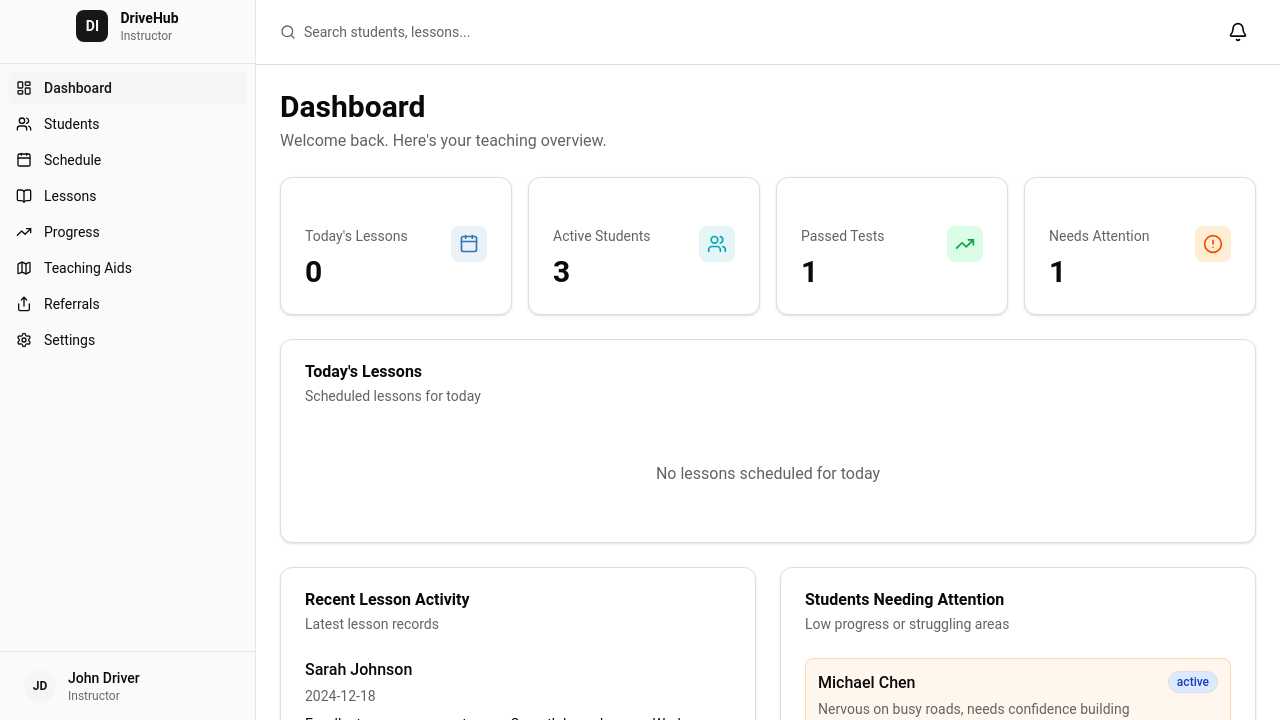
Create a clean, minimalist, professional dashboard app for driving instructors. Main features: - Student profiles with contact info, status, notes and lesson history - Student progress tracking with 0–5 skill ratings - Skills include clutch, gears, steering, mirrors, junctions, roundabouts, road positioning, speed, awareness and manoeuvres - Lesson records with topics covered, instructor notes, student reflections and next lesson goals - Schedule/calendar with student availability and preferred lesson times - Dashboard showing today’s lessons, active students, recent progress, upcoming tests and students needing attention - Passed/failed/left student statuses - Referral tracking between students - Future Google Calendar integration - Future visual/isometric driving teaching aids for junctions, roundabouts, manoeuvres and road scenarios Navigation: Dashboard, Students, Schedule, Lessons, Progress, Teaching Aids, Referrals, Settings. Use a modern card-based layout, lots of spacing, subtle borders, simple typography and a professional driving-school feel. Avoid clutter and excessive gradients.
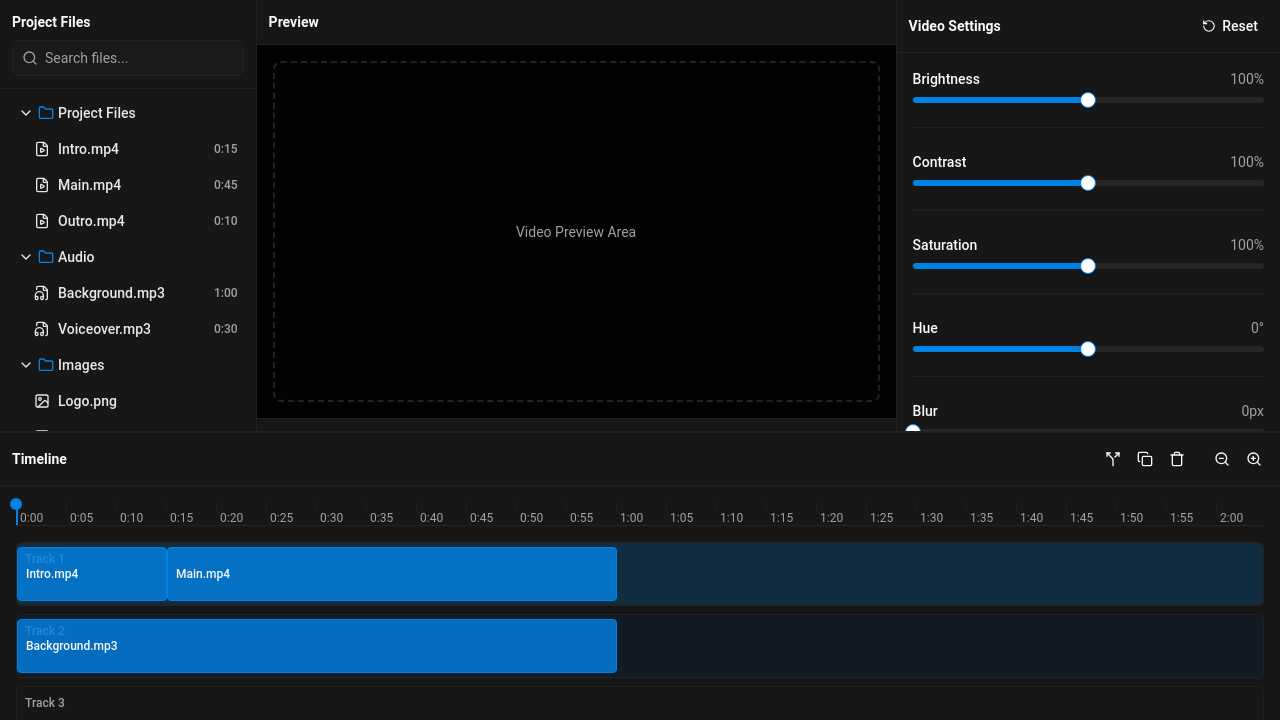
make me a editor gui a 3 colloms on the top and 1 on the bottom half, the 3 on the top will be the folder view the video view and the video settings view the bottom will be a timeline view of
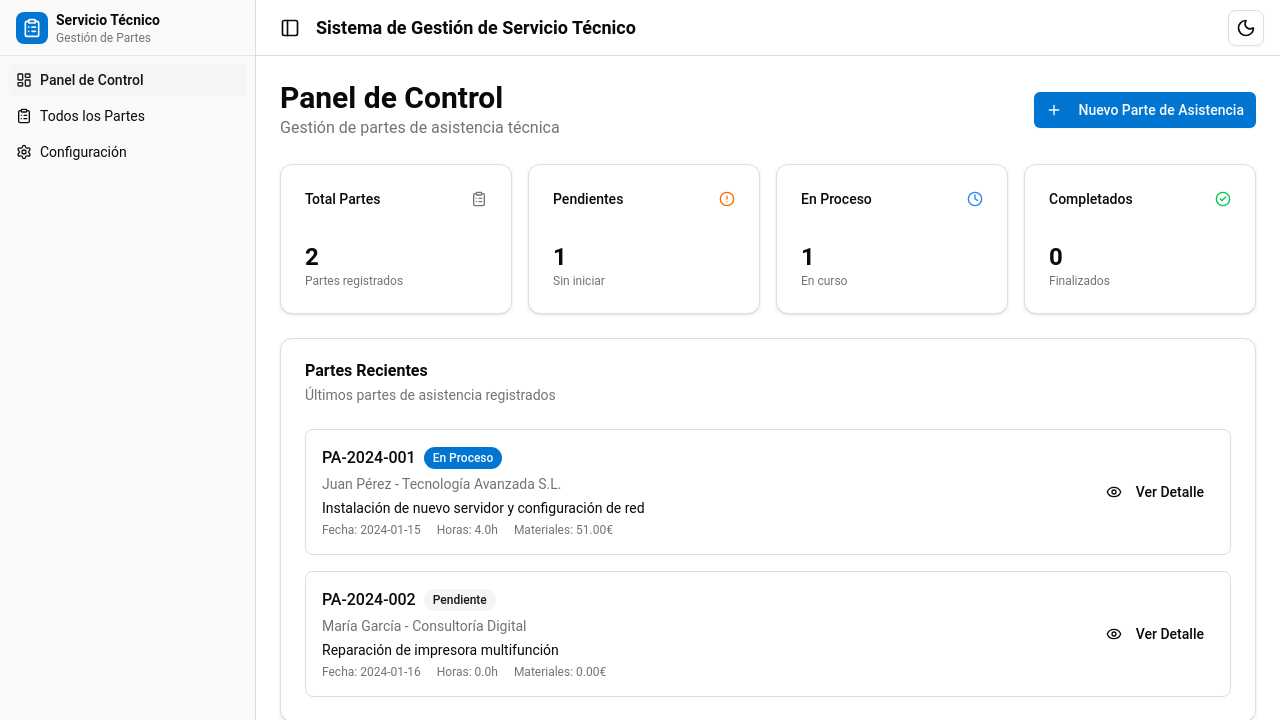
Hola. necesito una solución para el servicio técnico. El software debe ofrecer un panel de control donde poder registrar partes de asistencia. Los partes de asistencia deben poder indicar los datos básicos de cliente. Una vez registrado el parte de asistencia, los usuarios deben poder registrar sus horas trabajadas indicando fecha, hora inicio y hora fin. Este registro debe permitir seleccionar el servicio realizado para la intervención. Y por último, dentro del registro de actividad el usuario debe poder añadir materiales en caso de que lo haya utilizado. El entorno debe ser sencillo y funcional para que la persona que realice el alta de los parte de asistencia sea sencillo. Y por otra parte, los técnicos que reportaran los trabajos realizados en cada una de las asistencias lo mismo. Debe ser un proceso sencillo y claro.

I need an advanced form for a database model that is work order. Work order should contain the name of the business, the date required. A work order also contains work order items, enumerated as a list by integers always starting from 1. Items should have inputs for the description with the material used, and size. Each work order item must have capabilty to attach services applied to them. They don't need to be enumerated explicitly but they should have input for putting the name of the service and their specific code.
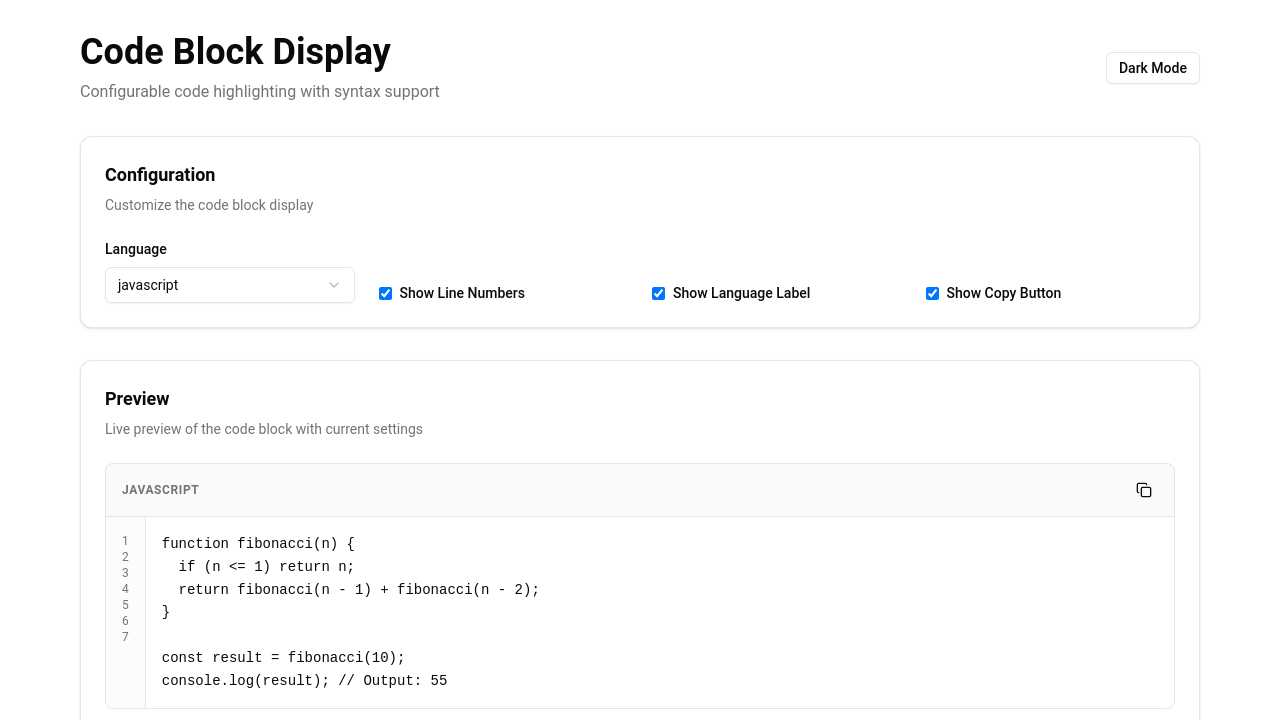
configurable code block display with code highlighting
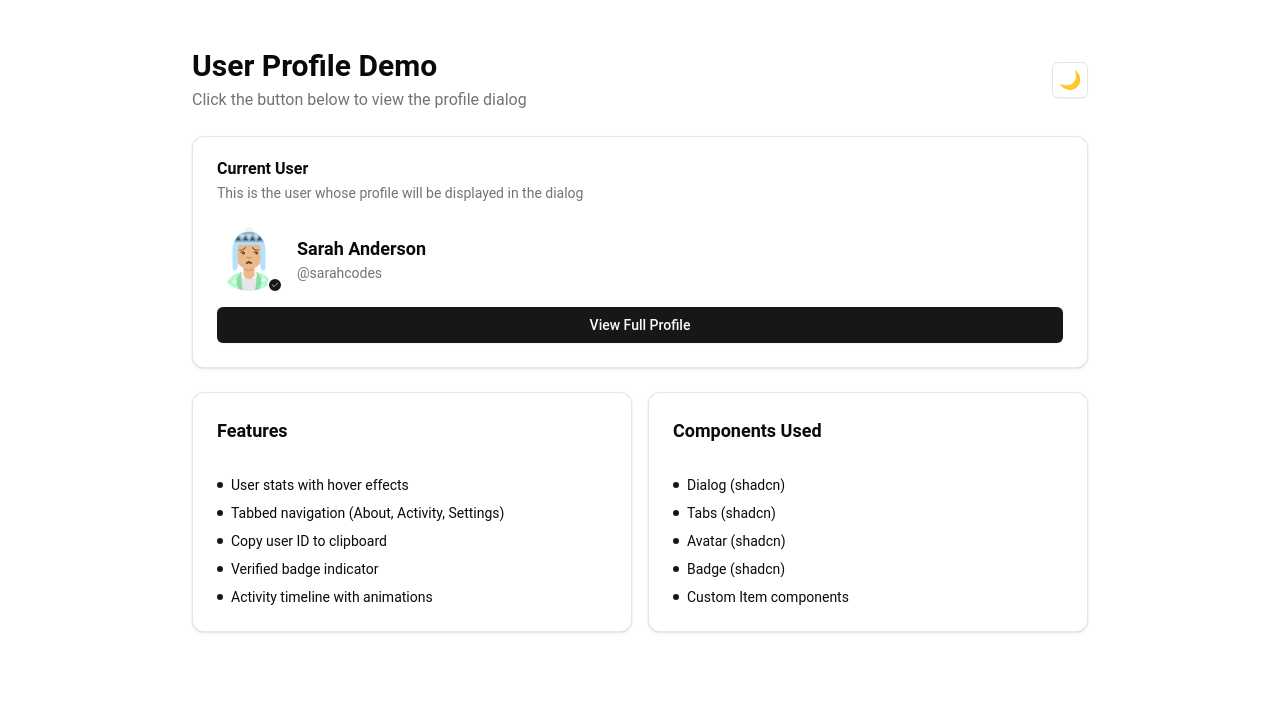
A nice user profile dialog, I use this as my header: <Item.Root variant="muted"> <Item.Media> <UserAvatar user={data} /> </Item.Media> <Item.Content> <Item.Title class="text-lg">{data.name}</Item.Title> <Item.Description>@{data.username}</Item.Description> </Item.Content> <Item.Actions> <CopyButton text={data.id}>Copy ID</CopyButton> </Item.Actions> </Item.Root>
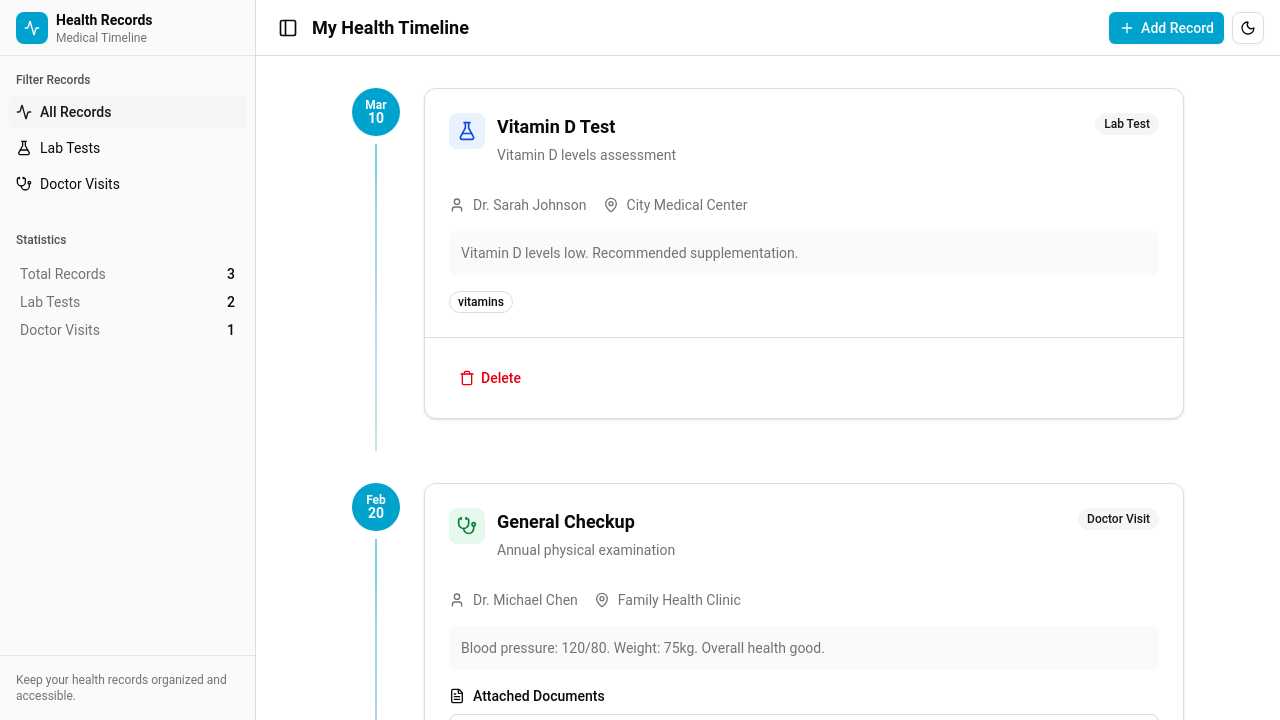
I am building the app that store records for my health history. I want digitalize the all docs I have from visiting doctors. I want to build the concept of timeline and cards with info about my lab test result and doctor visits with attached scan of all docs.
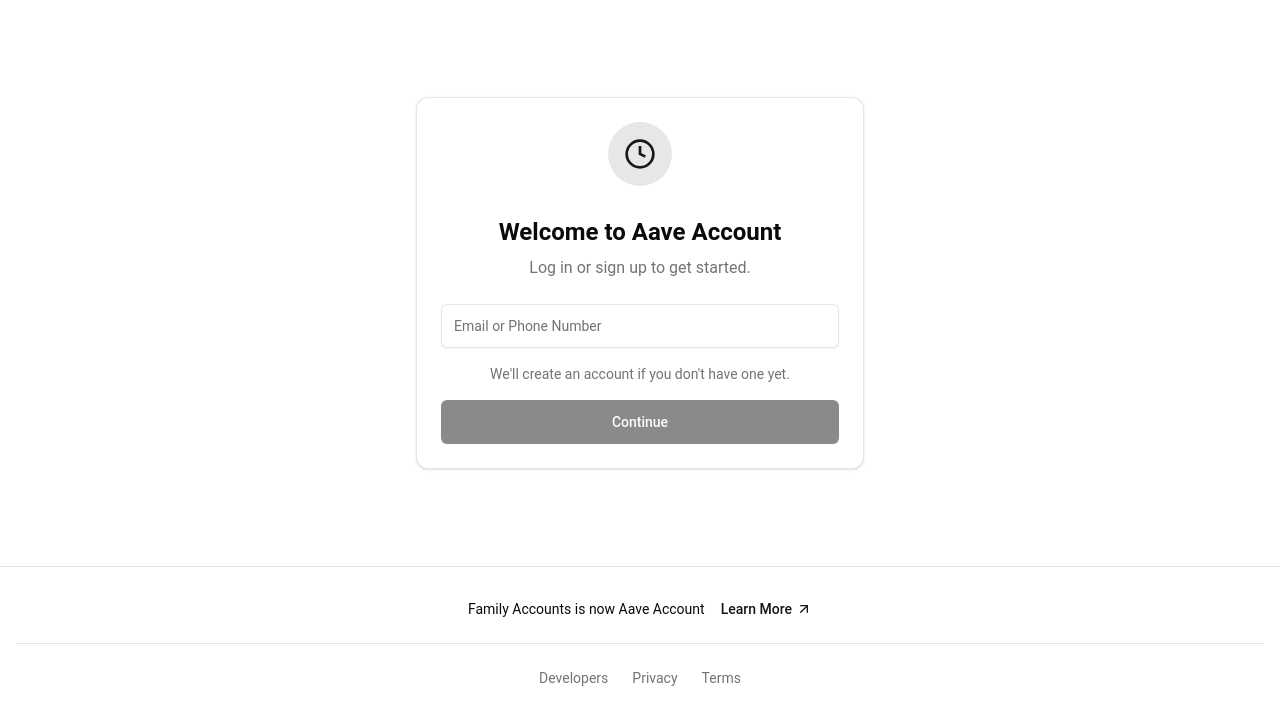
remake this using shadcn-svelte and default themel
reusable responsive carousel with a prop field to give an array of image addresses to, and with a lightbox feature
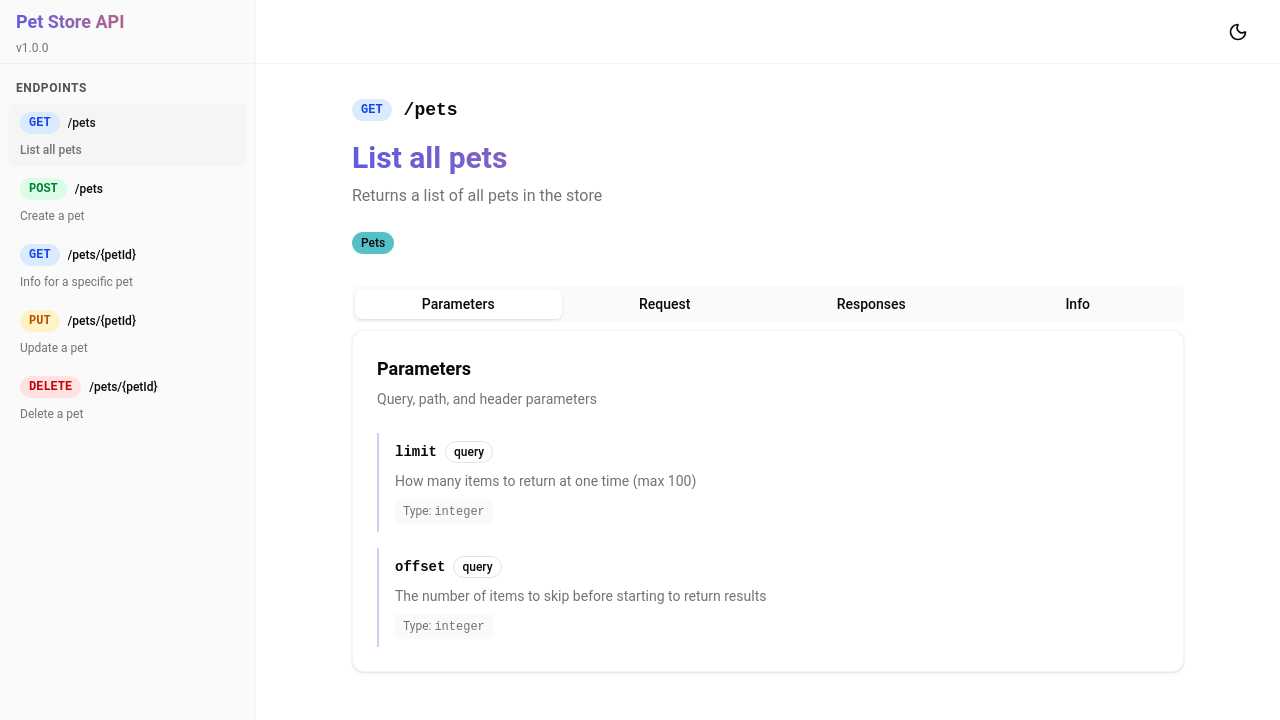
Simple openapi renderer layout (modern) no functionality yet, hardcoded. Use shadcn/svelte, very modern ui
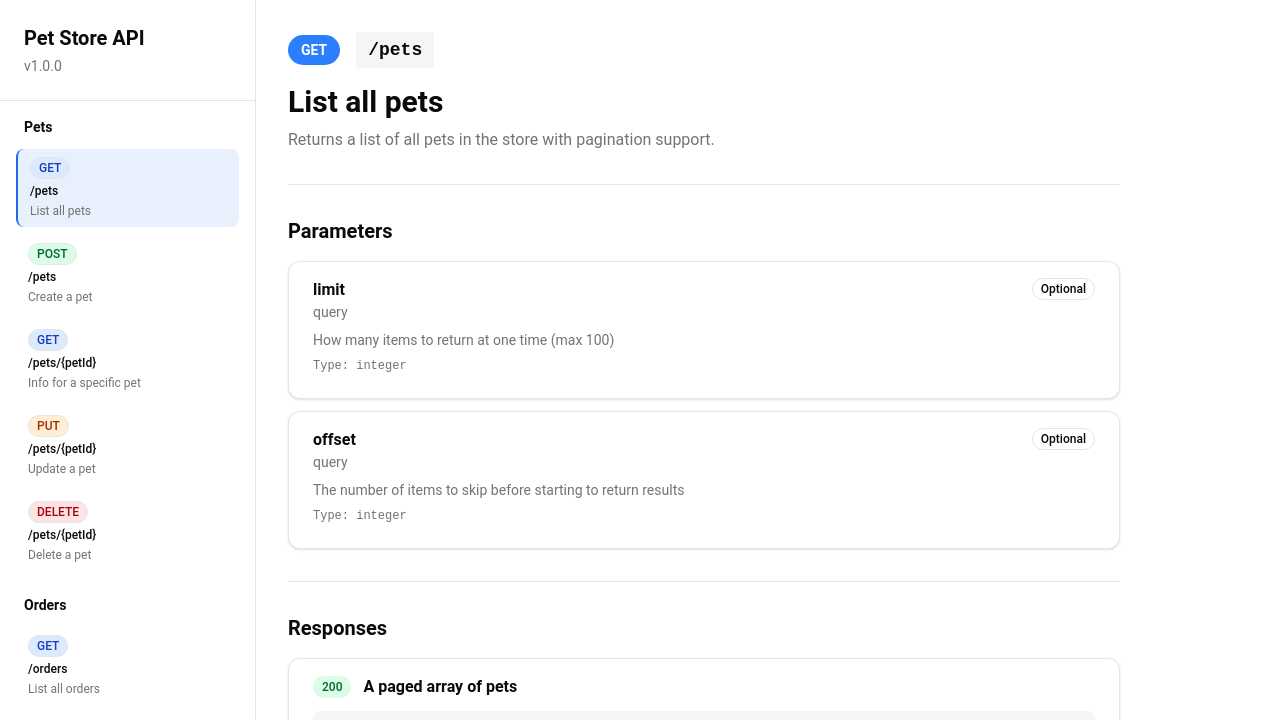
Simple openapi renderer layout (modern) no functionality yet, hardcoded

a component that I pass a hex value and it returns a color along with the hex value in a very minimal and simple way, the color and the hex value next to each other in an unadorned line
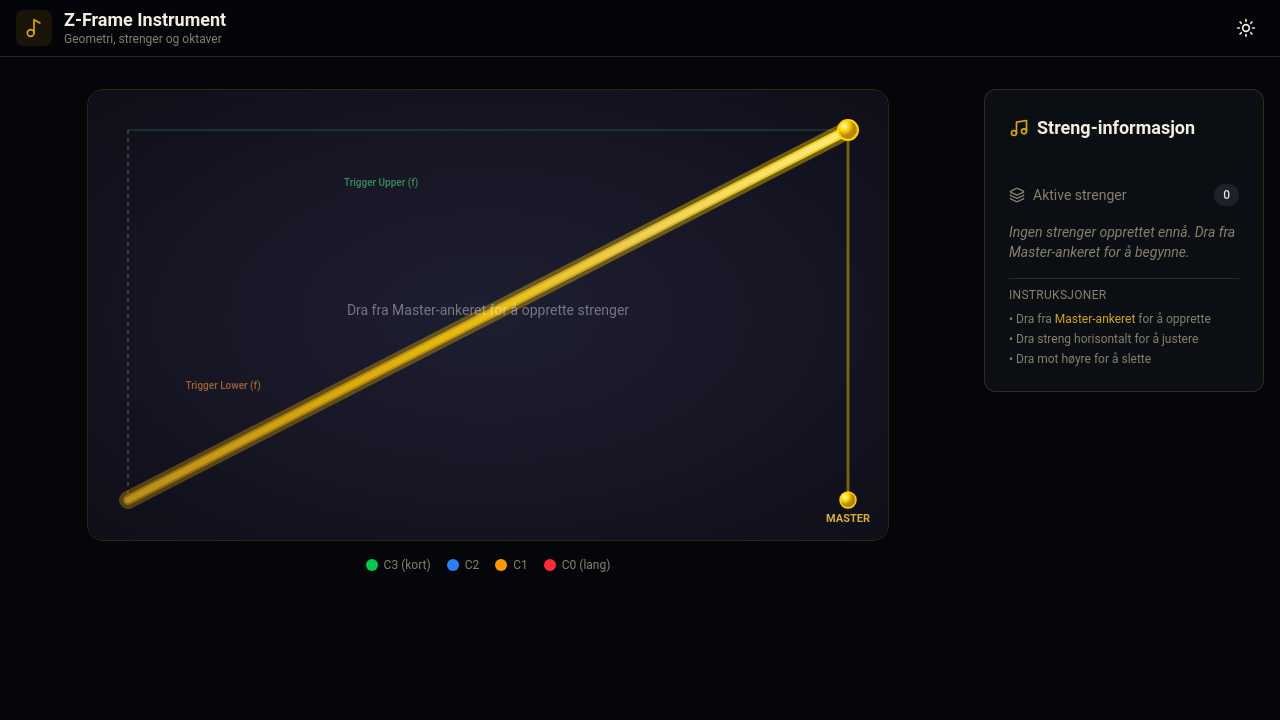
## 1. Oversikt og Formål Applikasjonen er et pedagogisk og interaktivt musikkinstrument/visualiseringsverktøy som utforsker forholdet mellom **geometri, strenglengder og oktaver**. Kjernen i verktøyet er en minimalistisk, gullfarget **"Z"-ramme** bestående av: * En øvre horisontal bjelke. * En nedre horisontal bjelke. * En diagonal skråbjelke som binder topp-høyre sammen med bunn-venstre. ## 2. Visuell Geometri og Layout * **Format:** Modulen/panelet er **kvadratisk eller bredt (bredere enn det er høyt)** for å gi tilstrekkelig plass langs $x$-aksen til å plassere flere strenger ved siden av hverandre. * **Strengenes orientering:** Alle strenger er **100 % vertikale** ($x$-koordinaten på toppen er alltid lik $x$-koordinaten på bunnen). * **Geometrisk deling:** Den diagonale Z-bjelken skjærer de vertikale strengene og deler rammen i to motstående **rettvinklede trekanter** (øvre og nedre). ## 3. Gestiver og Interaksjonsdesign (UI/UX) * **Opprette nye strenger (Spawn):** * Det finnes en permanent **Master-streng** helt til høyre i Z-rammen. * Nye strenger opprettes *kun* ved at brukeren tar tak i festeankeret på toppen av Master-strengen og drar mot venstre. * **Finjustering og flytting:** * Når en streng først er plassert, kan brukeren ta tak i den og dra den horisontalt langs $x$-aksen for å finjustere plassering og tonehøyde, uten at det genereres nye strenger. * **Sletting (Merge-mekanikk):** * For å slette en streng, drar brukeren den helt tilbake mot høyre side. * Når strengens $x$-posisjon nærmer seg Master-strengen helt til høyre, "snapper" den inn (merges) og slettes.
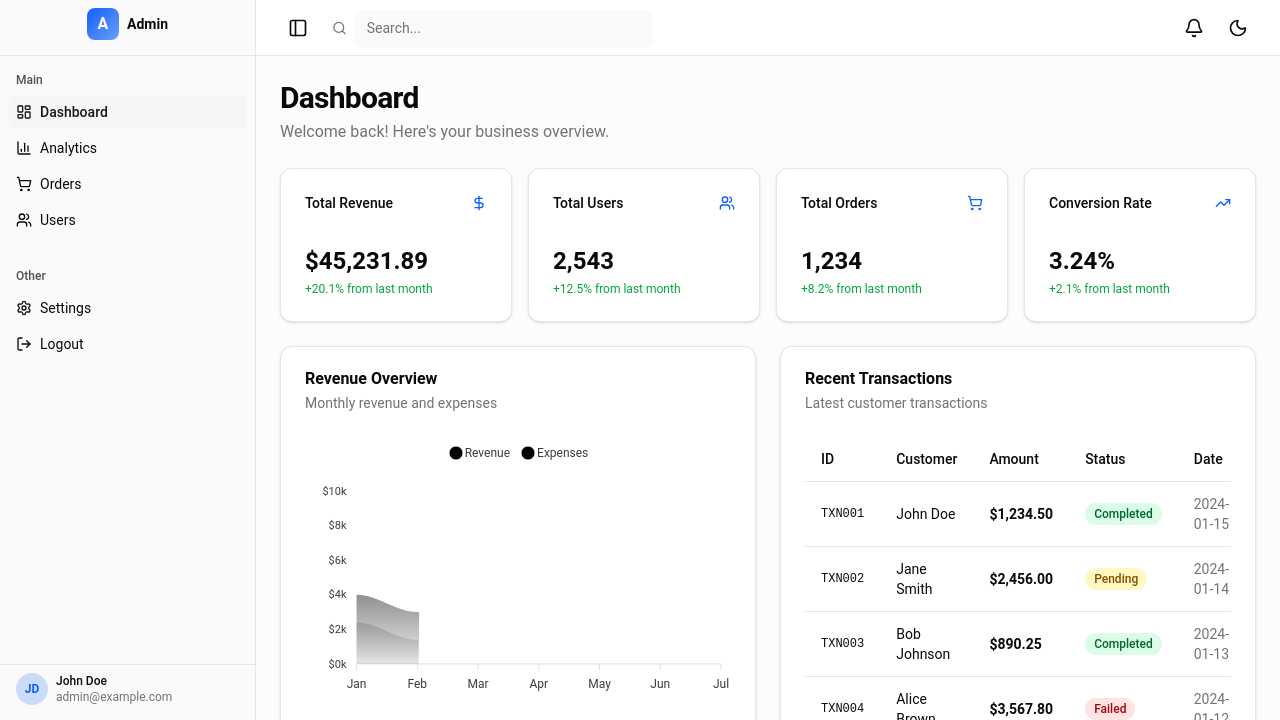
admin dashbaord
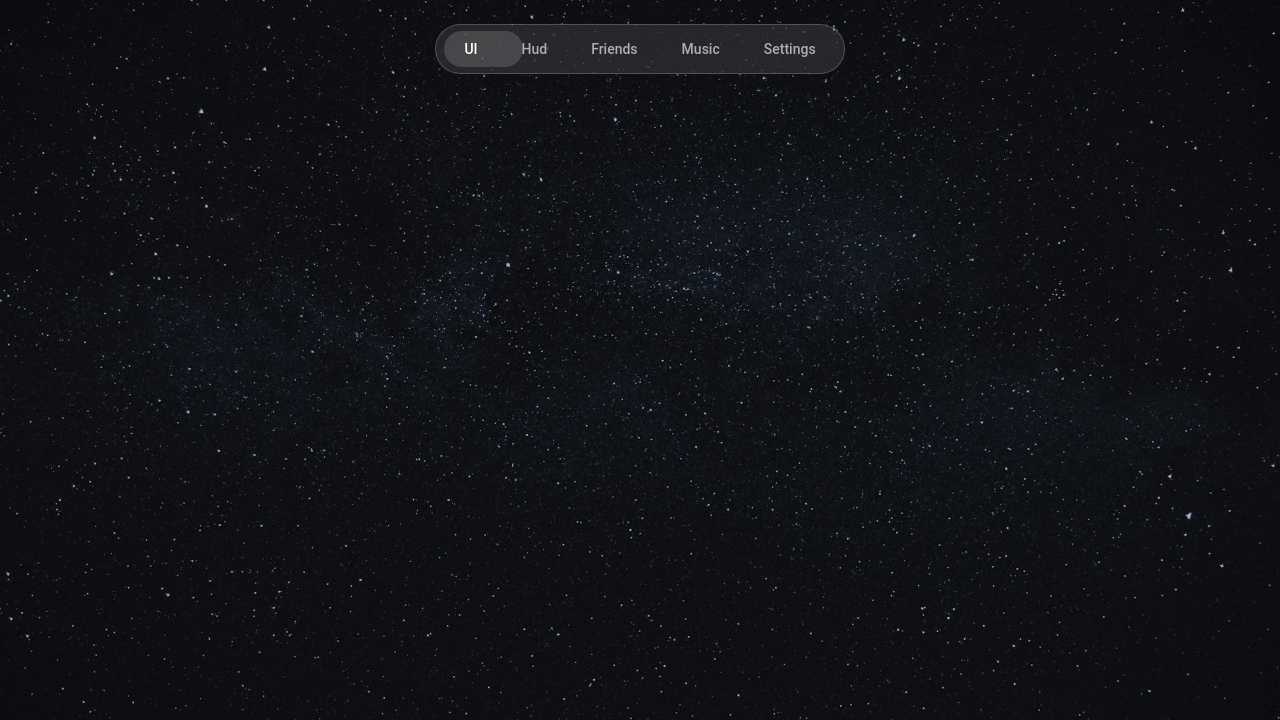
Make a simple pill shaped navigation bar with 5 tabs: "UI", "Hud", "Friends", "Music", "Settings". It should be located at the center on the top. The navigation bar itself should be a long pill shape with glassmorphism and a border(add an example background image so its actually seen), and then the 5 texts fitting into the pill. There should be a slightly smaller pill on top as a "selection pill", defaults to "UI" tab, and when u click another tab, it moves itself with an animation from current position to the position of the selected tab. Text should also default rgb 175, when hovered animated to 215, and if tab is selected then text should be animated to total white (255).
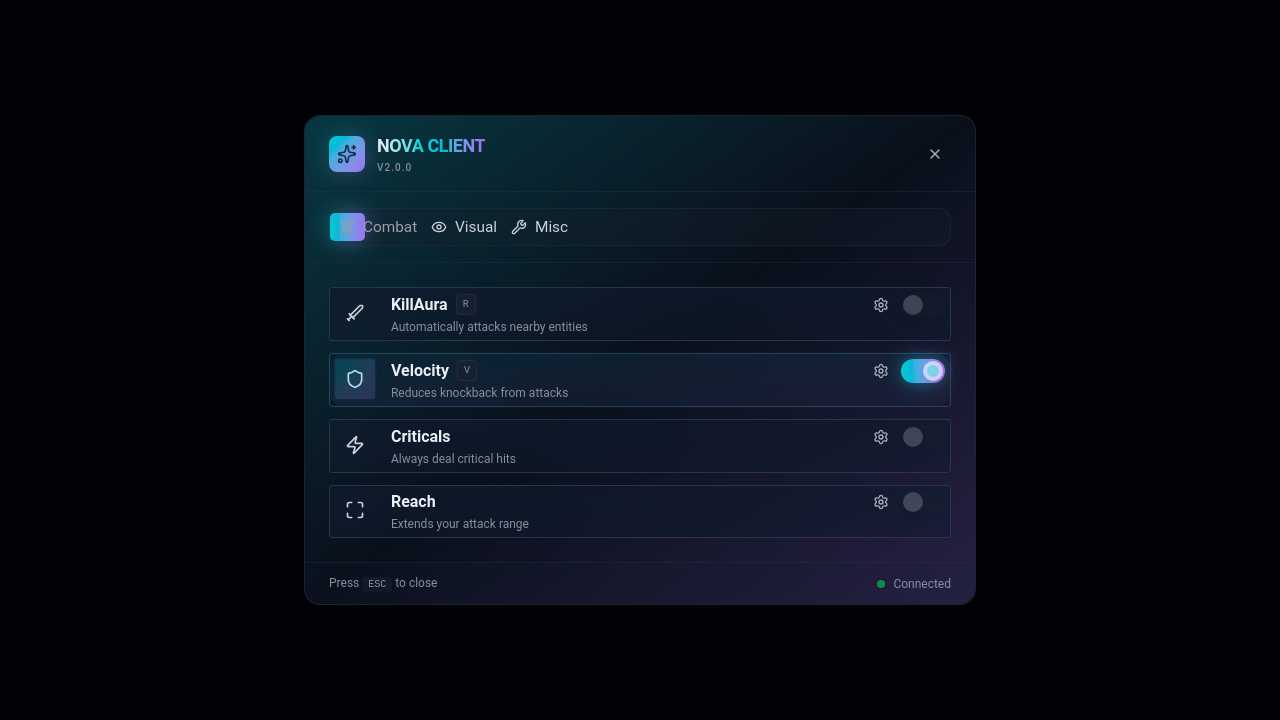
Make a GUI, a modern, premium-looking interface. Keep the same core layout (top navigation tabs: Combat, Visual, Misc; module toggles underneath), but make it look much more polished and professional. Style requirements: Use a sleek dark theme with a futuristic gaming aesthetic. Replace the flat rectangular panel with a rounded glassmorphism window with subtle transparency, shadows, and depth. Add smooth animations: opening/closing fade, tab switching transitions, hover effects, and toggle animations. Improve spacing and alignment so everything feels balanced and clean. Make the category tabs look interactive with an active tab indicator (glowing underline, highlight, or animated pill). Redesign toggles into premium switches with smooth sliding animations, colored glow when enabled, and better contrast. Add module cards instead of plain text rows, with icons, descriptions, and optional settings buttons. Add subtle gradients, neon accents, and soft shadows without making it cluttered. Use a modern font with better typography hierarchy. Add a sidebar or compact navigation option if it improves usability. Make it feel like a high-end gaming client UI similar to professional Minecraft clients. The final design should feel clean, minimal, futuristic, and expensive — something that looks like a paid client interface rather than a basic menu. Preserve the functionality of a click GUI: categories, modules, toggles, and settings panels.
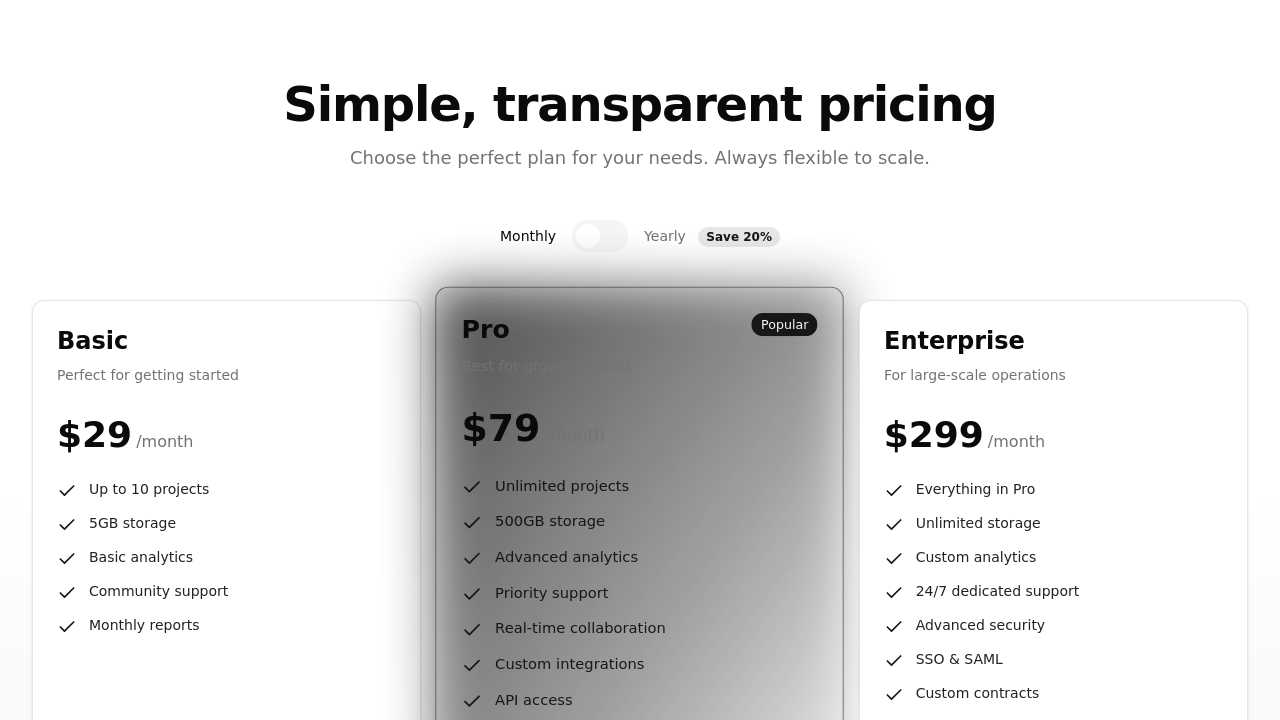
Create a pricing section with 3 tiers (Basic, Pro, Enterprise). Include monthly/yearly toggle, feature lists, and highlight the Pro tier.
I need you to make me a Web Application in sveltekit. The App name is Khaata, a Money management application. It combines the features of an expense manager like Cashew and a bill split application like Splitwise. it will have the normal landing page, authentication flow and the main application. the main application will be like a dashboard with a sidebar. the sidebar turns into a bottom navbar in mobile devices there will be 4 tabs in the sidebar Home (an Overview Dashboard) Expenses ( containing all expense and budget management features) Friends (containing all group and friends bill splitting features) Profile (the settings page basically) there will also be a button to add new transctions which will open a form where user inputs information like Amount, Category, title, A button to split this transaction which takes user to another form where user inputs details about the transaction like who are involved, who paid and how to split it. etc etc. once user inputs all this info it takes user will go back to the original form where it will show user a summary of the splits there will also be an option to add extra details like description, add attachments, recurring transaction or not, exclude from budget goal etc. like a detailed form organized for user to add and understand what he adds easily. this view will also be for editing transactions. In the home pages user should be able to see all his information in detail and edit it as well. also user should see stats of things like graphs charts, heatmaps etc. Just keep in mind all features of Cashew and Splitwise are to be implementted. use shadcn like components, build in sveltekit and tailwind. make frontend only but make sure the frontend looks modern clean and aesthetic.
I need you to make me a Web Application in sveltekit. The App name is Khaata, a Money management application. It combines the features of an expense manager like Cashew and a bill split application like Splitwise. it will have the normal landing page, authentication flow and the main application. the main application will be like a dashboard with a sidebar. the sidebar turns into a bottom navbar in mobile devices there will be 4 tabs in the sidebar Home (an Overview Dashboard) Expenses ( containing all expense and budget management features) Friends (containing all group and friends bill splitting features) Profile (the settings page basically) there will also be a button to add new transctions which will open a form where user inputs information like Amount, Category, title, A button to split this transaction which takes user to another form where user inputs details about the transaction like who are involved, who paid and how to split it. etc etc. once user inputs all this info it takes user will go back to the original form where it will show user a summary of the splits there will also be an option to add extra details like description, add attachments, recurring transaction or not, exclude from budget goal etc. like a detailed form organized for user to add and understand what he adds easily. this view will also be for editing transactions. In the home pages user should be able to see all his information in detail and edit it as well. also user should see stats of things like graphs charts, heatmaps etc. Just keep in mind all features of Cashew and Splitwise are to be implementted. use shadcn like components, build in sveltekit and tailwind. make frontend only but make sure the frontend looks modern clean and aesthetic.